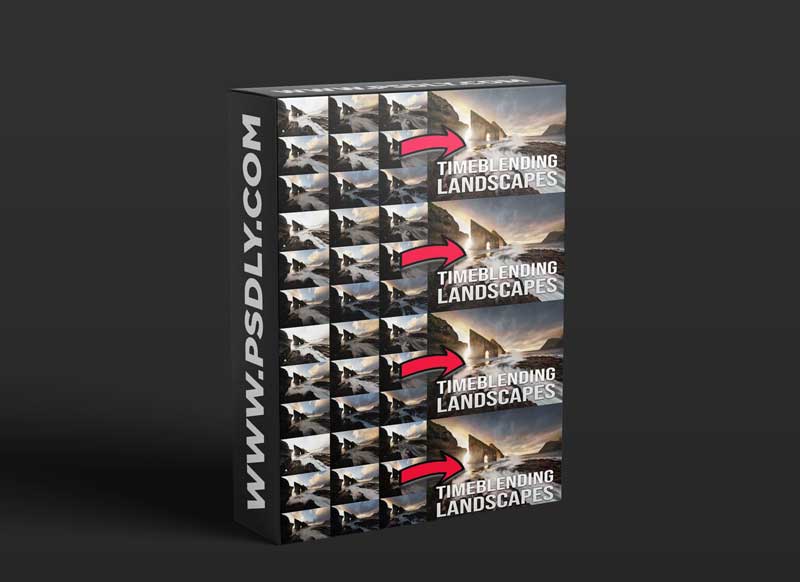
An in-depth tutorial on how I create most of my landscape and seascape photos.
– This is a 1 hour and 53 minutes video tutorial showing advanced techniques for experienced users. Most people with a basic understanding of Photoshop should be able to follow along.
– I use ADOBE PHOTOSHOP and CameraRaw (CameraRaw is a part of Photoshop and is more or less the same as Lightroom) to edit my photos, which is what you’ll need too. I also use Adobe Bridge to catalog my photos, Lightroom does the same job here also.
What’s on the menu:
– Editing in CameraRaw and Photoshop (start to finish)
– NO 3rd party plug-ins or panels
– Realistic evolution of a photo during editing
– Working non-destructively
– Making seamless time blends to make the BEST photo
– Blending photos with and without luminosity masking
– Controlling tones
– Adjusting tones by comparison
– Working with colors
– + A technique for catching unwanted colors
– Adding flares, glow, and atmosphere to your photo – make it “POP”
– The Orton Effect
– Working locally on the image with luminosity masking
– Noise reduction and sharpening
– Liquify tool to perfect composition
– Includes 14 files for practice. These are for you to practice ONLY.
Download More Tutorials
Content Source: https://gumroad.com/l/timeblend